

Rules Overview
The Rules section allows you to create and manage email filtering rules for your inbound email service. You can create rules to either allow or block emails based on specific conditions.Accessing Rules
- Log in to your account dashboard.
- Navigate to the “Inbound” section.
- Click on your domain.
- Click on “Rules”.
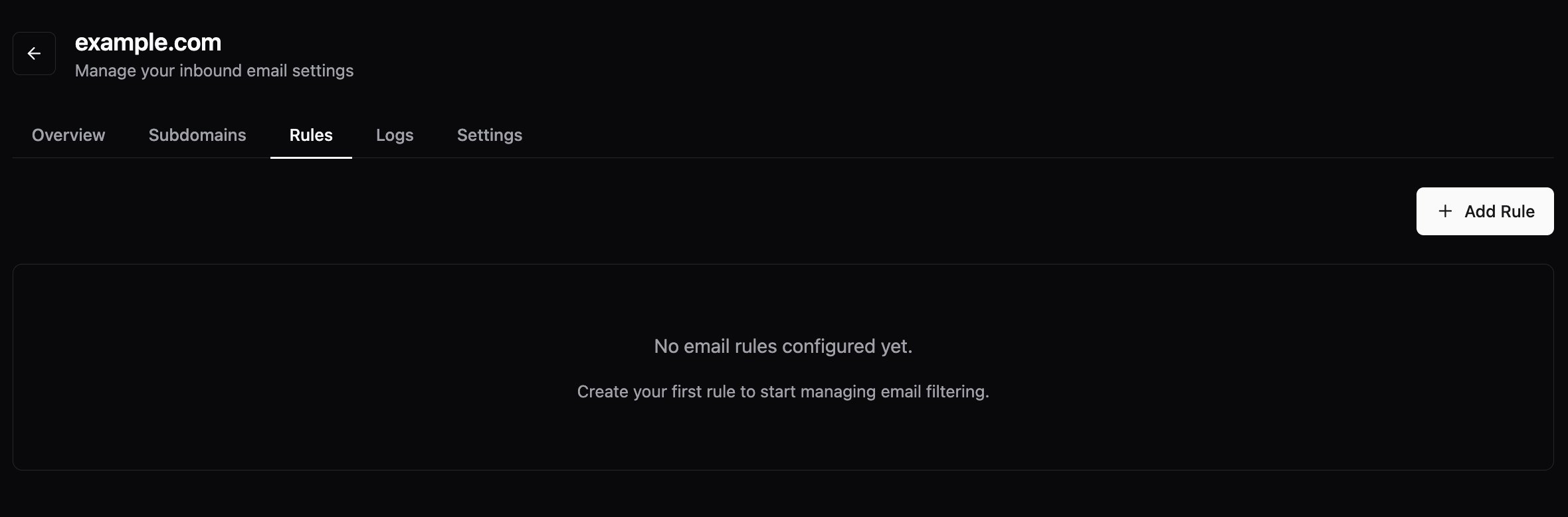 From the Rules section, you can:
- Create new rules (blocklist or allowlist)
- Manage existing rules
- Specify conditions for each rule
Rule Types
You can create two types of rules: Blocklist Rules: Block emails that match specific conditions Allowlist Rules: Allow emails that match specific conditions Both rule types use the same condition options, allowing you to filter emails based on:- From address
- To address
- IP address of mail server
- Subject
- Body of the email (using regular expressions)