

Managing Rules
To manage your rules (blocklist and allowlist), follow these steps:1. Access the Rules Section
- Log in to your account dashboard.
- Navigate to the “Inbound” section.
- Click on your domain.
- Click on “Rules”.
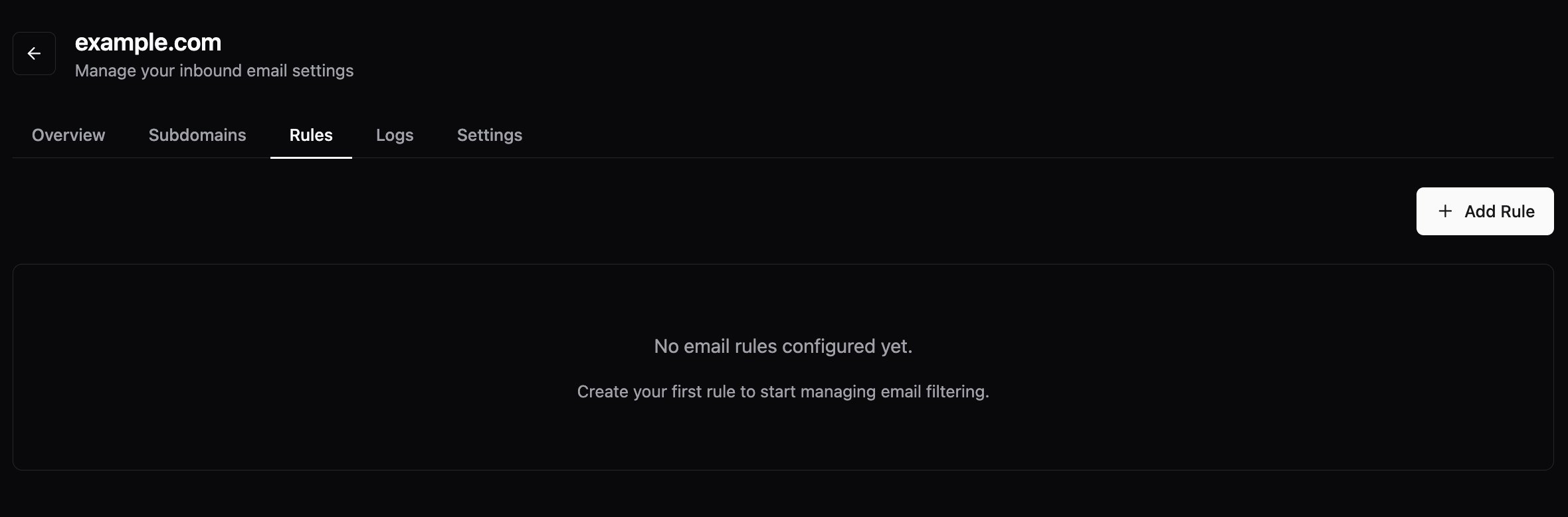
2. View and Manage Rules
- In the Rules section, you will see a list of all your current rules (both blocklist and allowlist).
- Rules are typically organized by type (blocklist or allowlist) and can be filtered or sorted.
- To add a new rule, click on “Create Rule” or “Add New Rule”.
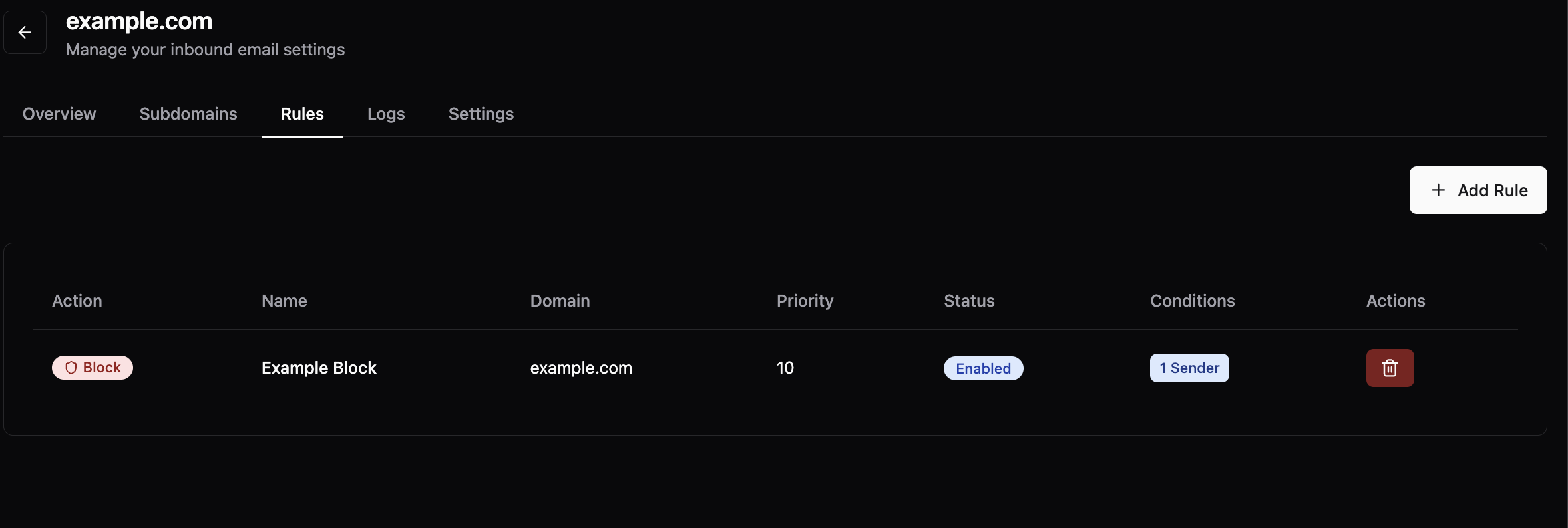
3. Edit or Delete Rules
- Find the rule you want to modify in the list.
- Click on the rule to edit its conditions, action, or description.
- To delete a rule, click the delete button associated with that rule.